memories archived
PHOTOGRAPHIC PRINTING · PERSONALISED ARTWORK · RESTORATION
Established 2007. Reimagined for today.
Photographs you love
Memories to keep
The gallery

Prints for your home

Coastal light, still water and mist-filled valleys. Explore painterly interpretations alongside the original colour and fine-art black-and-white editions.

Supplied unframed and unmounted, with the full composition retained. Delivery is extra. Delivery details →
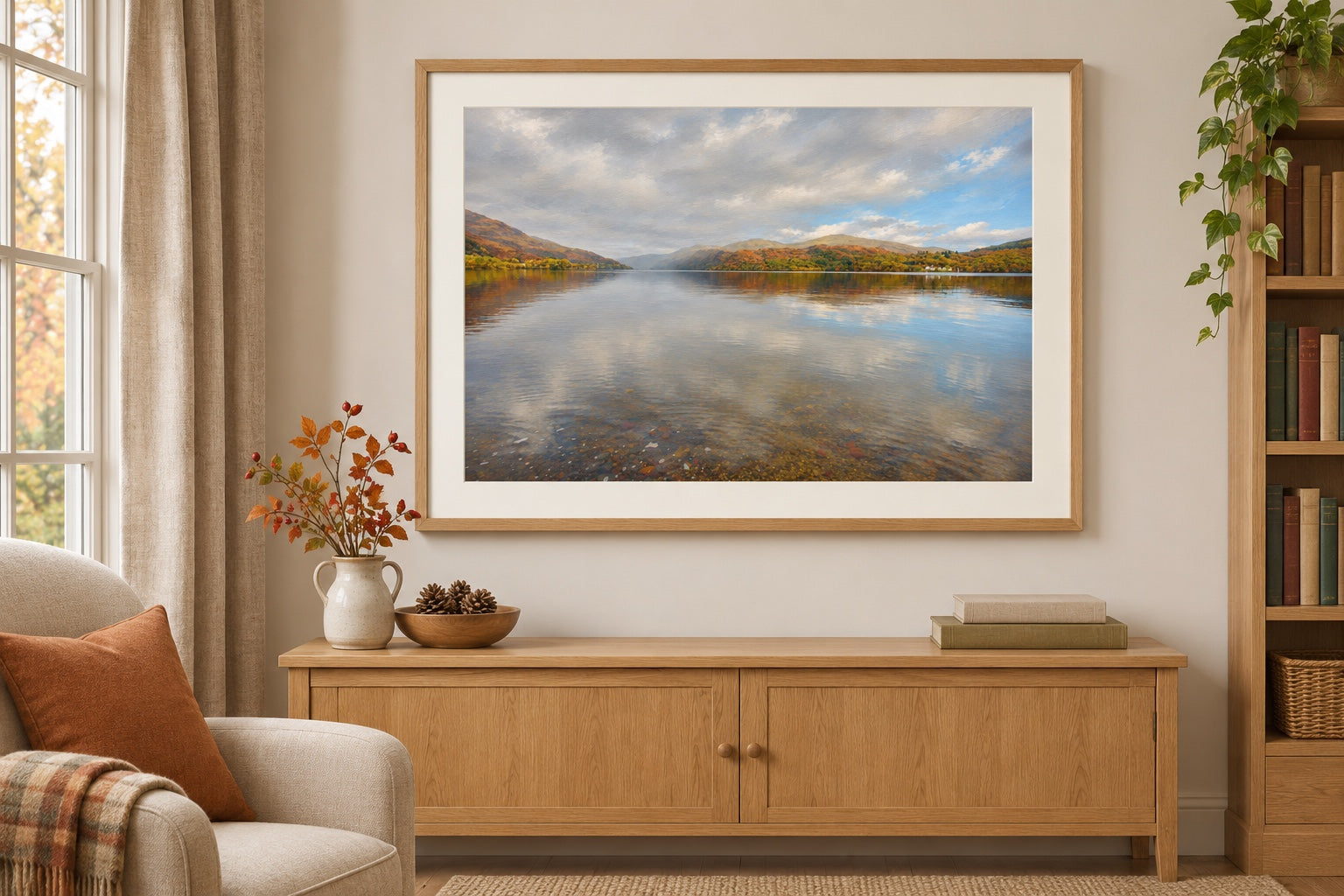
Lake Reflections in a wooden frame above a sideboard
Frame shown for illustration. Prints are supplied unframed.

Memories Archived · Unframed print

01 · CHOOSE YOUR EDITION
02 · PRINT SIZE
03 · PAPER & FINISH

Print price · delivery separate. No frame or mount included.

Made with care

Full composition retained. White space varies with paper proportions. Colour and black & white are photographic editions; painterly is a digitally created interpretation.

A little help with your photograph

Your photograph and choices stay on the ordering page while this panel is open.

Choosing a size and keeping the whole picture

Choose the print size you want. “Keep the whole photograph” may add white borders; “Fill the print” may crop the edges. Tell us if a face or detail must stay in the picture. We check suitability before printing.

Choosing paper

Photo Satin is our usual photographic finish, with a softer sheen. Photo Gloss is shinier. Hahnemühle Fine Art is textured fine-art paper for an artistic finish. We confirm a suitable stock for your image without changing the displayed standard price.

Preparing a file

Choose the original photograph from Photos or Files where possible, rather than a screenshot or a copy sent through messaging. JPG, PNG or TIFF files up to 50 MB are accepted. If an iPhone HEIC file cannot be selected, export a JPEG copy or email us for help. Keep the original. We can advise on cropping and suitability; badly blurred detail cannot always be recovered.

Need personal advice? Open the enquiry form in a new tab ↗, or email hello@memoriesarchived.co.uk. Return to this tab to continue your order.

Keep Memories Archived handy on your phone

Add an icon to your phone to open Memories Archived like an app—no App Store download needed.

iPhone / iPad
Open in Safari → Share → Add to Home Screen → Add.

In Safari’s compact layout, open the page menu first to find Share.

Android
Open in Chrome → menu ⋮ → Add to Home screen, then follow the prompts.

Some Chrome versions show “Install and create shortcut” → “Create shortcut” → “Add” instead.

This creates a website shortcut. Use memoriesarchived.co.uk when adding it to your phone.